Store Management in PC Store Together
Stock, price, expand, and unlock tiers without starving the benches.
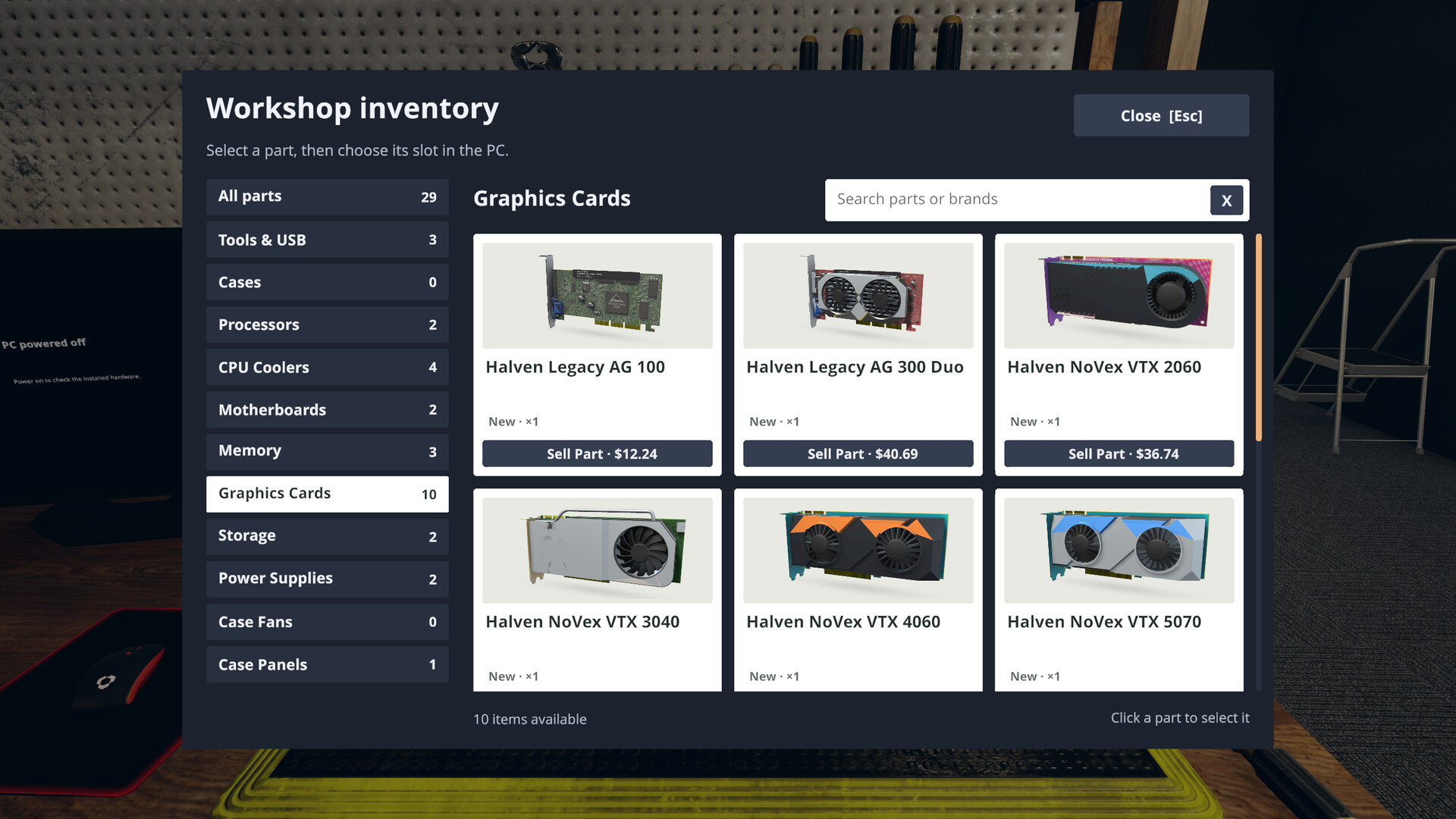
Store management is how PC Store Together turns bench skill into a lasting business. You can nail every install order and still stall if shelves are empty, prices are wrong, or reputation never climbs high enough to unlock the next component tier. This guide covers stocking, pricing, expansion, reputation progression, and co-op floor roles.
Mechanical craft still matters—keep How to Build PCs and How to Repair open while you learn. Day-one habits live in Getting Started. For the full tutorial map, use the Guides Hub. Component priority once unlocks appear belongs on the Tier List.
What “managing the store” means
In practical terms you will:
- Stock shelves with parts that match current unlock tiers and real demand
- Set prices that clear inventory without torching margin
- Serve customers fast enough that queues do not kill reputation
- Expand floor space and workbench capacity when throughput caps out
- Climb reputation to unlock higher component tiers
The fantasy loop is expansion for its own sake. The real loop is matching capacity to demand while reputation quietly raises your ceiling.
Early money: workbenches before decoration
The most important management tip in the game belongs in neon: put early money into workbenches, not decoration. Extra benches raise how many builds and repairs you can run per hour. Plants and posters do not. Until queues are gone and shelves stay healthy, cosmetics are a tax on progression.
Related spend order for the opening days:
- Bench capacity
- Shelf space / critical stock depth
- Expansion that unlocks more of (1) and (2)
- Comfort and décor
If a purchase does not increase tested towers per hour or reduce stockouts, defer it.
Stocking shelves with intent
Walk the shelf like a buyer, not a collector.
- Stock the socket families you actually build
- Keep RAM kits that match those boards’ slot rules
- Maintain PSU wattage tiers that cover your common GPUs with headroom
- Mirror repair burn rates—if weak PSUs dominate tickets, deepen that stack
- Avoid halo parts you cannot sell yet just because a tier unlocked
Empty hooks on fast movers hurt more than a missing novelty cooler. After each rush, restock what sold, not what looks impressive. Co-op runners should hear SKU names out loud so two people do not double-order the same crate while ignoring RAM.
Use parts-aware planning when deciding which GPUs deserve space: every GPU decision is a PSU decision.
Pricing for turn rate
Price to move honest product. Sitting inventory is dead cash that could have bought another bench.
Guidelines:
- High-turn essentials (common CPUs, RAM, storage, mid PSUs) — competitive prices, always in stock
- Margin parts (GPUs, higher-tier kits) — healthier markup, still realistic for your reputation band
- Repair labor — charge for diagnosis and parts; do not invent faults
Race-to-zero pricing clears shelves but starves expansion. Greedy pricing strands stock and slows reputation when customers bounce. Aim for the boring middle that funds the next unlock.
Finished sales builds should be benchmarked before sale so refunds do not erase a perfect pricing plan. That quality gate is both a build rule and a management KPI.
Reputation and component tiers
Reputation is the soft currency of progression. Serving customers well—fair repairs, working builds, sane wait times—unlocks higher component tiers. Those tiers are how margins improve long term.
Protect reputation by:
- Diagnosing before replacing (How to Repair)
- Shipping tested machines only
- Keeping shelves stocked so you are not forcing awkward substitutions
- Avoiding bait-and-switch upsells
When a new tier unlocks, do not vacuum every SKU. Cross-check the Tier List and stock a coherent ladder your builders already understand.
Expansion timing
Expand when you can answer yes to at least two of these:
- Benches are busy for most of the shift
- Stockouts happen on essentials despite diligent restocks
- Customers wait long enough that reputation gains flatten
- Co-op players literally lack floor space to work without colliding
Expanding into a pretty empty showroom looks nice and pays poorly. Expanding into a constrained, profitable shop multiplies the system you already proved.
Floor roles for 1–4 player co-op
Full online co-op is available from minute one. Management shines when roles are stable:
| Role | Owns | Success looks like |
|---|---|---|
| Counter | Intake, pickup, promises | Short queues, clear tickets |
| Builder | New towers | Booted, benchmarked PCs |
| Repair | Tagged chassis | Diagnose-first fixes |
| Runner / stock | Shelves & fetches | No silent stockouts |
Solo players rotate through the same hats. The mistake is living forever on the fun bench while the shelf bleeds dry. Set a timer in your head: after each completed build or repair, glance at hooks and prices.
Connecting management to the benches
- Builders must follow CPU → cooler → RAM → motherboard → GPU/storage → PSU → close panel → power on so returns do not become a management crisis
- Repair techs must not vacuum the GPU shelf “just in case”
- Counter staff should not promise one-hour miracles when every bench is full—promise what capacity allows
Management is the nervous system; benches are the muscles. Starving either side fails the shop.
Daily and weekly rhythms
During a rush
- Protect bench time; runner covers shelves
- Pause décor projects entirely
- Keep prices steady—do not rewrite the board mid-queue
During a lull
- Deep restock and tidy labels
- Review which SKUs sold vs. which gathered dust
- Plan the next expansion or bench purchase
- Check Updates after patches so workflows stay current
Launch hotfixes and a performance update shipped around November 24–25, 2026. Host stability is a management concern in co-op—laggy shops create fake “customer” friction.
Metrics that actually matter
Track these informally even if the HUD does not shout them:
- Towers completed and tested per hour
- Repair rework rate (comes back broken)
- Essential SKU stockout count
- Cash spent on décor vs. capacity
- Reputation trend after each shift
If rework spikes, management’s job is to enforce diagnose-first culture, not to buy another neon sign.
Launch commerce snapshot
PC Store Together released November 24, 2026 on Steam (app 4990940, Windows only) from Sykes Games and Nightmare Studios at $12.99, with a launch −15% intro offer ending December 1, 2026 (~$11.04). Reviews opened Very Positive. Official Discord: discord.gg/PmEpG7cM58. More outbound links sit on Links.
Minimum specs still matter for hosts: Win10 64-bit, i5 2.5 GHz, 8 GB RAM, GTX 1060 / RX 6600 XT, DX11, 2 GB storage. A smooth host is part of “store management” when three friends depend on your session.
Putting it together
Stock what you sell, price for turn rate, expand when capacity hurts, and spend early cash on benches. Let reputation unlock tiers on the back of honest service. Keep builders and repair techs supplied without letting them loot the plan. Do that, and every other guide on this wiki compounds instead of fighting your floor.
Next reads: Getting Started for onboarding, How to Build PCs for install order, How to Repair for diagnose-first jobs, and the Tier List once unlocks start landing.
Frequently Asked Questions
Quick answers for shop owners and co-op crews.
What should I spend early money on in PC Store Together?
Prioritize workbenches and critical stock depth over decoration. Throughput and fewer stockouts fund expansions; cosmetics can wait until queues are under control.
How do I unlock better PC parts?
Build reputation through reliable builds, fair repairs, and decent wait times. Reputation unlocks higher component tiers that improve long-term margins.
How should I price parts and PCs?
Price essentials for turn rate and keep healthier margins on GPUs and higher-tier kits. Avoid race-to-zero dumping and avoid greedy prices that leave shelves stuck.
When should I expand the store?
Expand when benches stay busy, essentials stock out despite restocks, wait times hurt reputation, or co-op players lack space. Do not expand into a pretty but idle showroom.
What co-op roles help store management most?
Split counter, builder, repair, and runner/stock duties. Stable roles keep shelves full and tickets clear while full 1–4 player online co-op runs from minute one.